On this page
What you will do#
Find out which events the platform tells you about, choose how you receive the ones you can choose, and tell notifications apart from the callbacks that some products send. It takes a few minutes.
Before you start#
You have an account. The platform tells you about events in the portal and by e-mail. It does not send them to a server of yours: Webhook events are not available yet.
Step one: read your notifications#
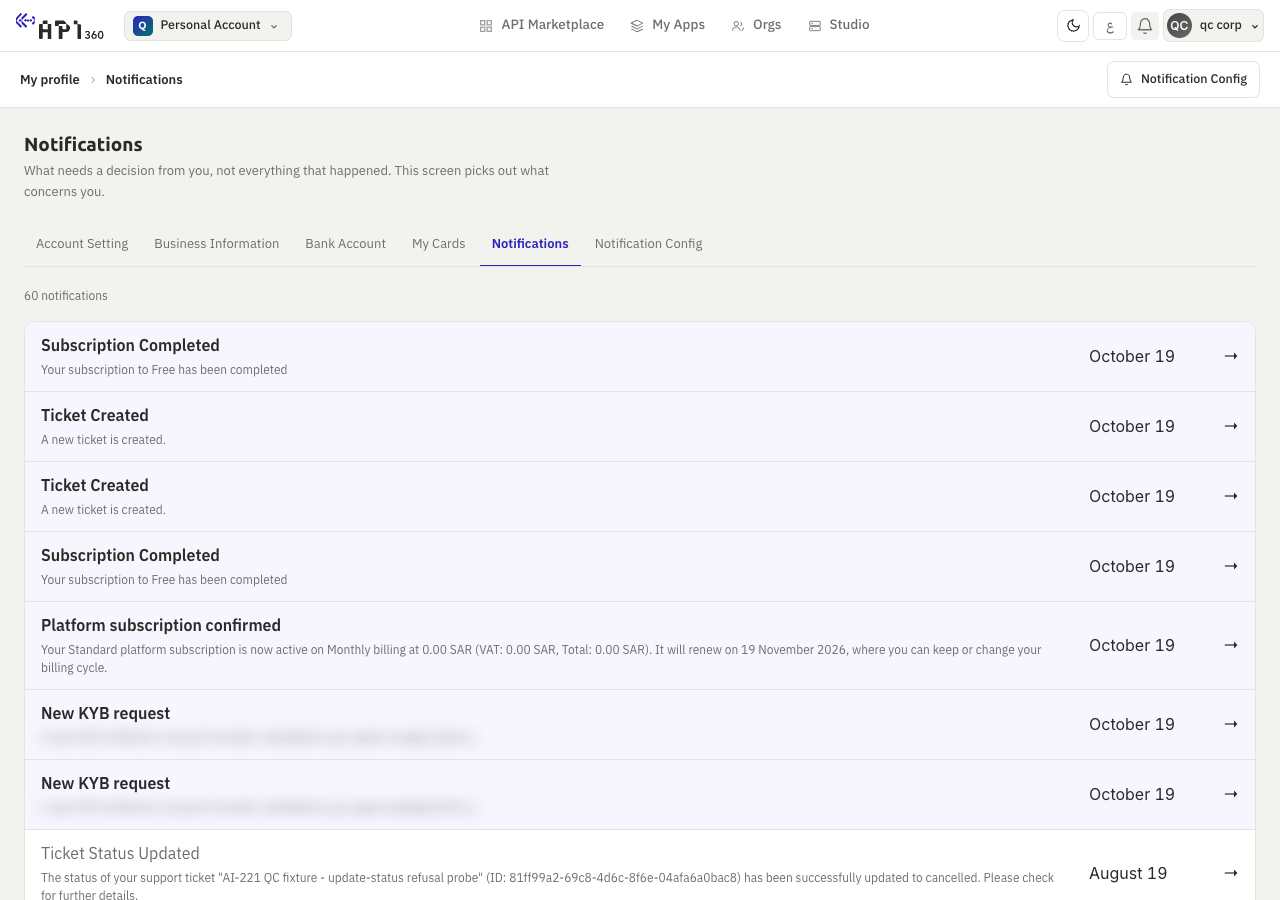
Open the menu with your name at the top right, then My profile, then Notifications. The list shows each event as it arrives.
Step two: choose what you receive#
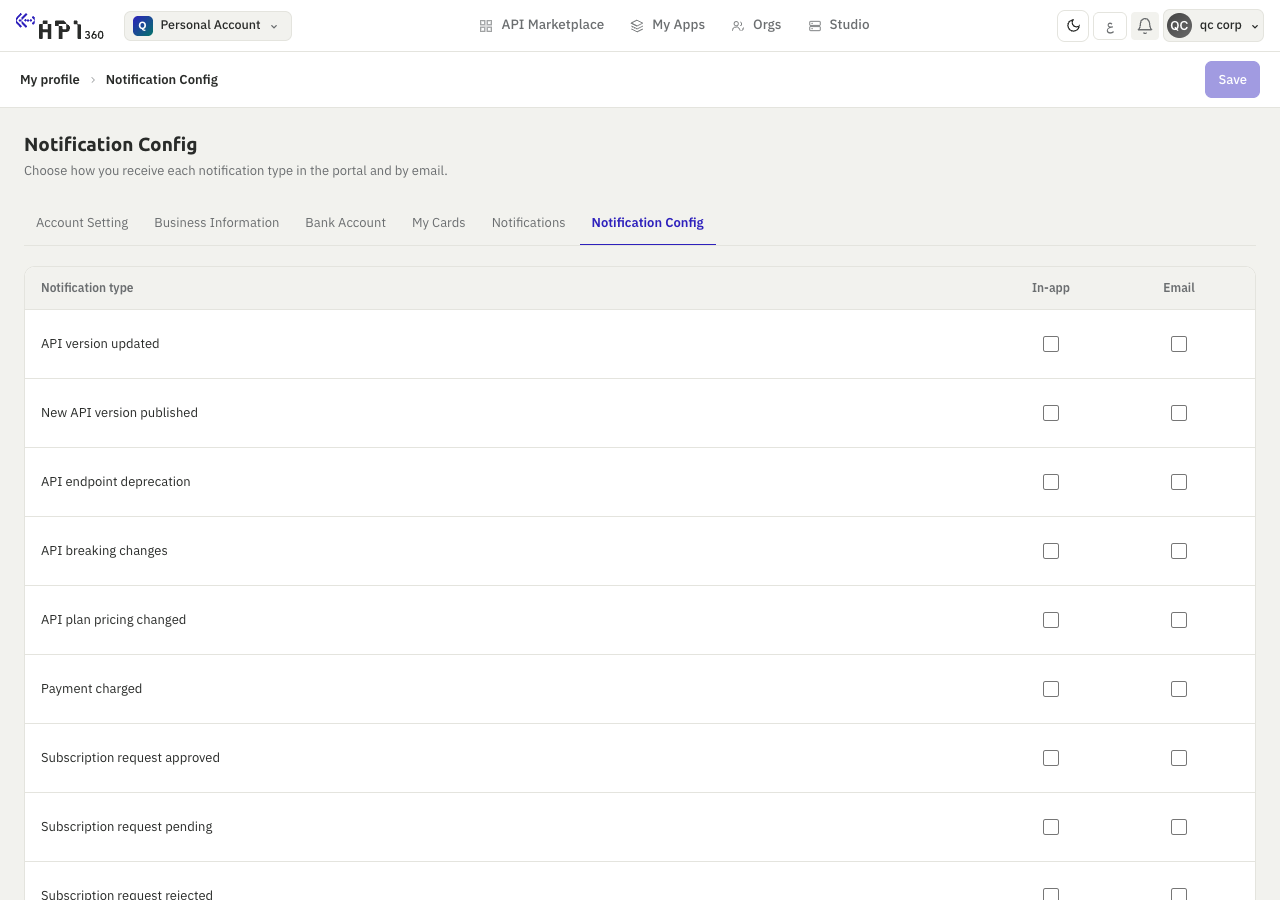
Open My profile, then Notification Config. The table has one row for each event you can choose and two columns, In-app and Email. Tick what you want and save the changes.
| You can choose | When it is sent |
|---|---|
| New API version published, API version updated | A provider publishes or changes a version of a product you subscribe to. |
| API endpoint deprecation, API breaking changes | A provider deprecates an endpoint or announces a breaking change. |
| API plan pricing changed | A provider changes the price of a plan. |
| Subscription request pending, approved, rejected | The provider has not decided yet, accepted, or refused your request. |
| Payment charged | A payment of yours was taken. |
| 80% of quota used, Quota fully used | The usage of a subscription reaches 80% of its quota, or the quota is exhausted (quotas and usage). |
Step three: know the messages you cannot switch off#
Some messages always arrive, in the portal and by e-mail: the invoice is ready, a subscription is about to expire (30 days before when it runs longer than a month, then 14, 7 and 1 days before) and has expired, a payment failed, and the status of a ticket changed.
The platform does not send a notification when an API key is created, changed or deleted. Keep your own record of who changes the keys of an app.
Step four: tell callbacks apart#
A callback is a request that a product sends to a server of yours when it finishes work later, for example a long job. It belongs to the product, not to the platform: the provider decides which endpoints send callbacks and what the payload looks like.
- You set up a callback per endpoint, in the Callback Config tab of the playground: enable it, give the Callback URL and, if your server needs it, an authentication header and its value. The tab is disabled for an endpoint that sends no callbacks.
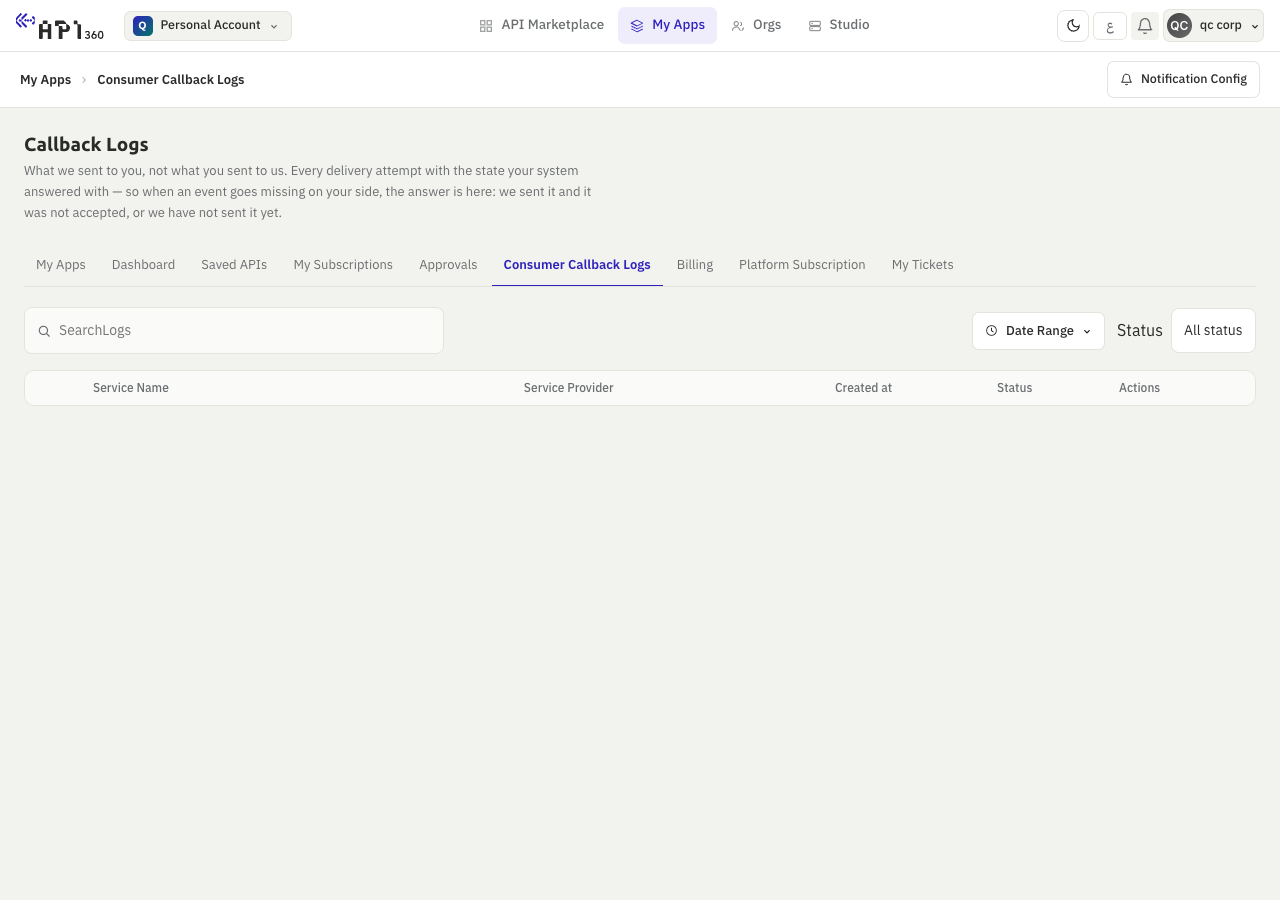
- Consumer Callback Logs, in My Apps, lists the callbacks that were sent to you.
Signed Webhook events for each app, with automatic retries, a delivery log and manual replay.
Check that it worked#
- A change in Notification Config is still there when you reopen the page.
- The events you ticked appear in Notifications, and in your e-mail when you ticked Email.