On this page
In short#
Two kinds of quota can stop a call, and each answers differently. Waiting a minute does not help: a quota stays spent until it is topped up, renewed or changed, so do not retry a call that was refused for a quota.
The two quotas#
| Quota | What it counts | When it runs out |
|---|---|---|
| Subscription quota | The requests your subscription allows in its period. For your free products it is the allowance of your platform plan, one counter shared by all of them. | 403 with Subscription quota exceeded |
| Endpoint quota | The requests of each endpoint, on products priced per endpoint. | 429 with Endpoint quota exceeded |
An app that is subscribed to a product priced per endpoint, but has no quota rule for the endpoint it calls, gets 403 with No endpoint quota rule found for this consumer. Open My Subscriptions and check that the endpoint is part of your subscription.
The platform plans, their prices and their request allowances are listed on the pricing page. They change over time, so this page does not repeat them.
Where you see your usage#
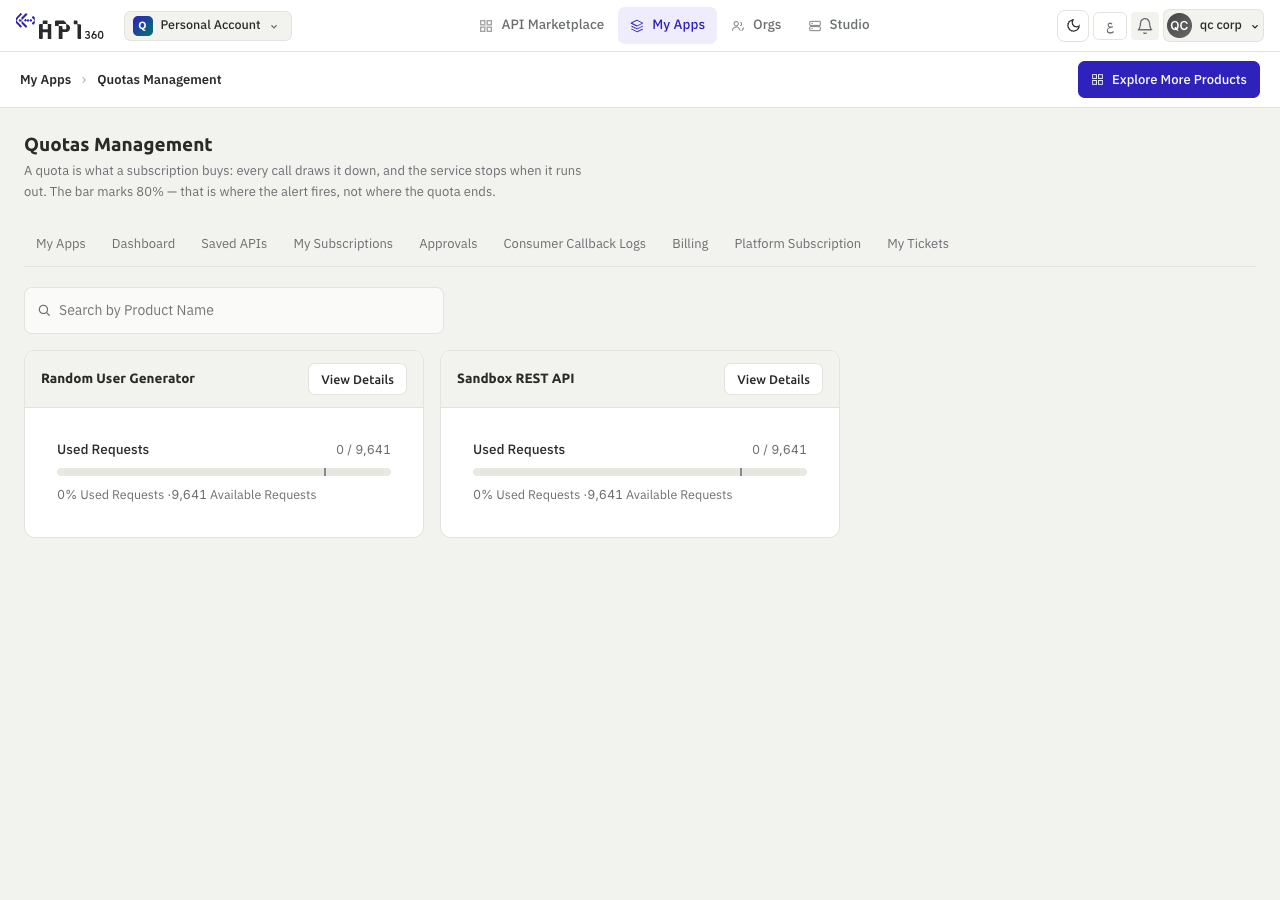
- Quotas Management, in My Apps: one card for each active subscription, with a bar, the numbers and a mark at 80%. The mark is where the alert fires, not where the quota ends.
- View Usage, in My Subscriptions, on a subscription priced per endpoint: the units used and bought for each endpoint in the current cycle, and a way to top up the quota.
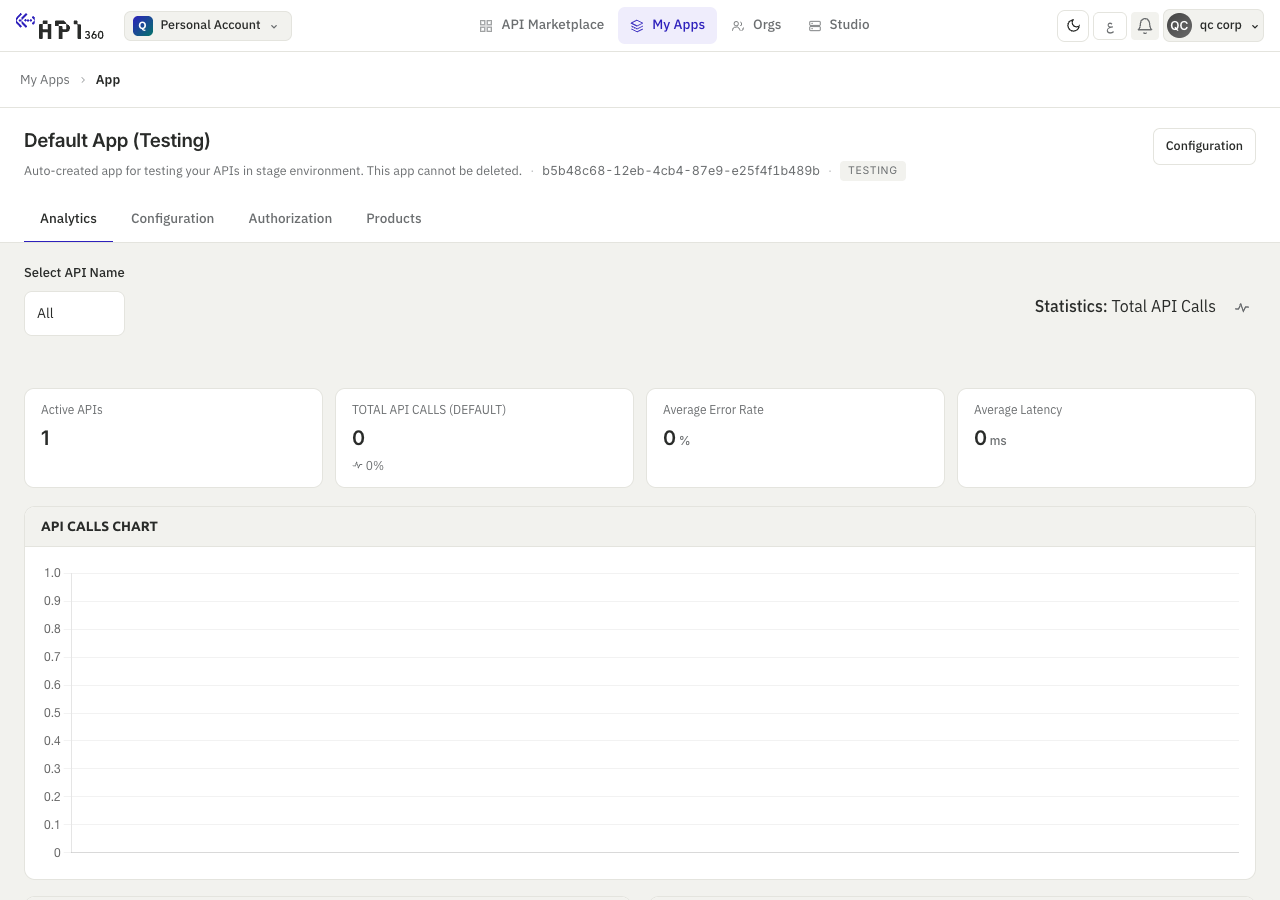
- Analytics, on the page of an app: the total calls of the app, the products it called and its error rate, over the period you choose.
- The response itself, on an endpoint that carries a quota rule: the headers below.
Headers on endpoints that carry a quota#
An endpoint with a quota rule returns its counters on every response:
X-Endpoint-Quota-Limit: 1000
X-Endpoint-Quota-Used: 417
X-Endpoint-Quota-Remaining: 583
Read X-Endpoint-Quota-Remaining and plan ahead before it reaches zero. The figures above are an example of the format, not a real call.
Notifications#
When the usage of a subscription reaches 80% of its quota you get a notification, and another when the quota is exhausted. The platform checks every hour and sends each notification once a day at most for a subscription. They arrive in the portal and by e-mail, and you can switch each one on or off in your Notification Config (events and notifications).
The standard RateLimit-Limit, RateLimit-Remaining and RateLimit-Reset headers on every response, and Retry-After on 429 and 503.